

SDS was founded in 1982 and now supports over 25 mainframe products that focus on security, encryption, data compression, performance monitoring, report distribution, and client-server applications.
SDS also develops, supports, and distributes E-Business Server for data encryption and authentication on z/OS, Linux, Unix, and Windows® platforms.
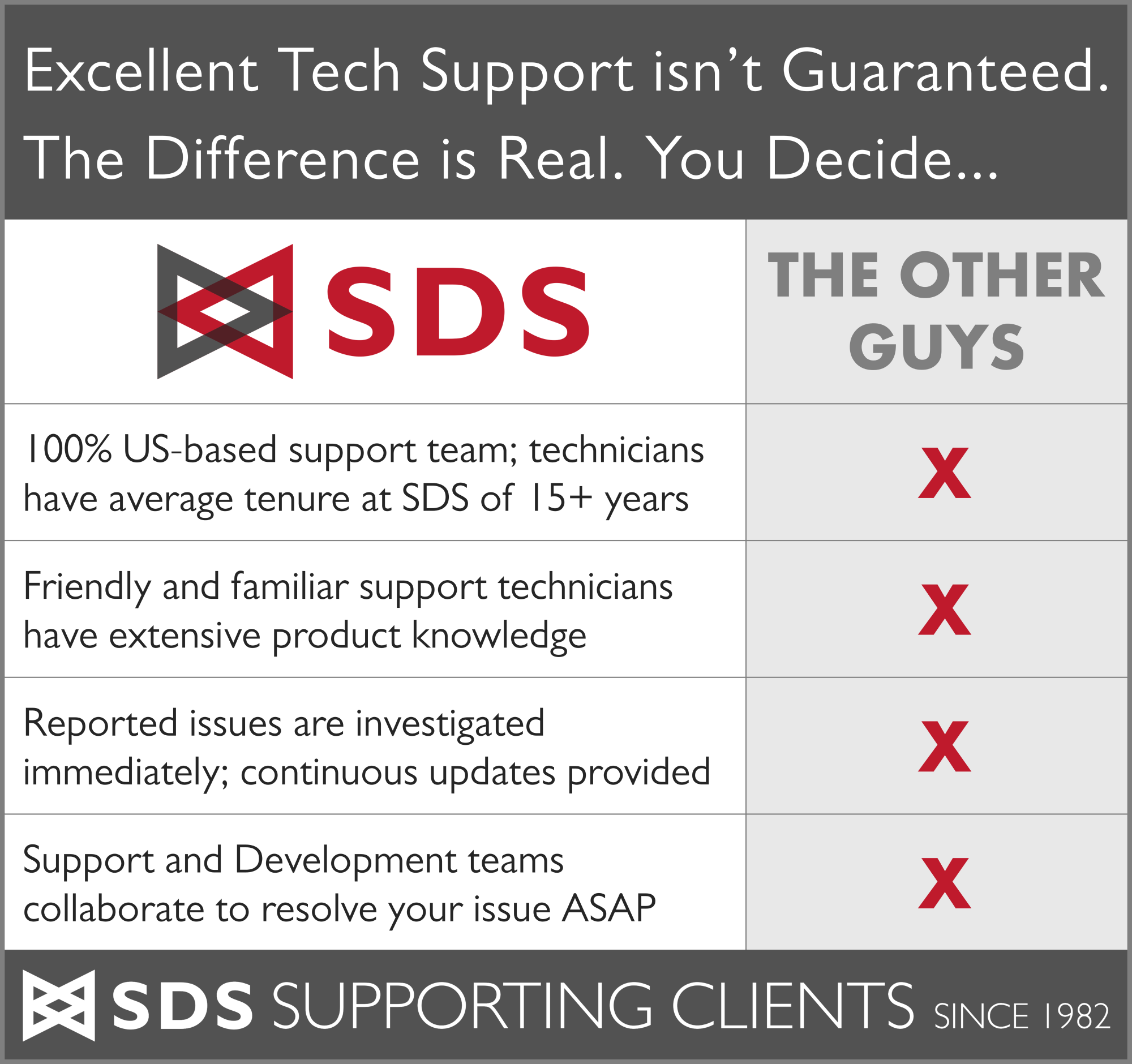
Technical support works hand-in-hand with development at headquarters in Minneapolis, MN, to deliver customer satisfaction and product value. SDS is noted for having the highest quality software and award-winning, expert technical support and service.
SDS retains more than 1,000 clients worldwide, including many Global 500 companies in banking, finance, insurance, and retail, as well as local, state, and national governments.
Learn More
Software Solutions

| VitalSigns SIEM Agent™ for z/OS | Integrate mainframe security events into any enterprise SIEM |
| VitalSigns for Secure Transfer™ | Automatically secure outbound FTP Sessions with no JCL changes required |
| VFTP-SSH Collaboration | Complete FTP security for z/OS; no JCL changes needed |
| SDS E-Business Server® for z/OS | Rock-solid PGP encryption for data at rest |
| SDS IronSphere for z/OS | Automated DISA STIG compliance monitoring for z/OS |

| VitalSigns for FTP™ | Snap-in security for file transfers to & from z/OS |
| VitalSigns for IP™ | Complete IP monitoring on z/OS |
| VitalSigns for NAC™ | Replace legacy mainframe network monitoring |

| ConicIT® | Predictive operations management and analysis for z/OS |
| Multiterm™ for z/OS, z/VM, & z/VSE | Premier session manager for z Series mainframes |

| Virtel® Web Access | Ultra-thin and secure 3270 TE on any device |
| Virtel® Web Modernization | Serve host transactions as user-friendly web pages (GUIs) |
| Virtel® Web Integration | Create interactive bidirectional connections; integrate host & web |
| Virtel® Screen Redesigner | Create modern and user-friendly web UIs from your existing legacy 3270 screens |

| CAFC™ | CICS Application File Control system software |
| IPCP™ Plus for z/OS & z/VSE | Premier file control utility for z/OS & z/VSE |

| PrivXTM Key Manager | Centralize, simplify, and automate SSH key management |
| PrivX PAM | Zero-trust privileged access management (PAM) |
| SDS E-Business Server® | Multi-platform PGP encryption for data at rest |
| Tectia® SSH | Server and client that secures and encrypts file transfers and more |
SDS owns the following trademarks:
|
|
™ denotes a trademark; ® denotes a registered trademark.
The list indicates where in the name to place the symbol. In each document, spell out the full product name at its first occurrence and include the appropriate symbol: superscript™ or ®. It is not necessary to include the trademark symbol in subsequent references.
Right: Software Diversified Services™ VitalSigns for IP™ software
Wrong: Software Diversified Services VitalSigns for IP software™
Brand alliances & partnerships



SDS is proud to share the software industry with the following organizations:

IBM
SDS is an IBM® Silver Business Partner and a member of the Destination Z™ community. SDS has developed and supported software for IT professionals in IBM mainframe environments since 1982.

DBTA: Trend-Setting Products for 2021
SDS is proud to be included in DBTA’s annual list of Trend-Setting Products for 2021. With only 100 products included in this list, we’re thrill that IronSphere for z/OS made the cut for 2021! View the entire list at DBTA’s website. The special edition is also mailed out in December 2020.
DBTA: Trend-Setting Products for 2020
SDS is proud to be included in DBTA’s annual list of Trend-Setting Products for 2020. There are only 100 products included in this list and VitalSigns SIEM Agent for z/OS made the cut for 2020! View the entire list at DBTA’s website. The special edition is also mailed out in December 2019.
Cybersecurity Ventures: Cybersecurity 500 World’s Hottest Security Companies for 2018 and 2019/2020
SDS is proud to be included in the annual Cybersecurity 500 list! The first annual report was released on May 15, 2018. SDS is ranked #380 on this prestigious global list. View Cybersecurity Ventures’ poster containing the entire list of the world’s hottest 500 cybersecurity companies.
NaSPA: Network and Systems Professionals Association
NaSPA is a not-for-profit corporation dedicated to enhancing the professional and personal lives of its members, IT technical professionals worldwide. NaSPA has thousands of members in 80 countries.
SHARE
SHARE Inc. is a non-profit, voluntary organization whose members are users of IBM information systems. The mission of SHARE is to improve the effectiveness of members’ information systems by providing education, promoting mutual support, and by influencing information technology strategies, products, and services. Find out where to visit SDS at the next SHARE conference on the events page.
Resources
About SDS
View additional company information here. There is information about acquisitions, career opportunities, distributors, upcoming events, and more.
Free Demo/Trial
We offer individualized product demonstrations by request. Your organization can also try SDS Software on your system for 30 days, free of charge.

Phone: (800) 443-6183
Phone: (763) 571-9000
200 Village Center Drive, Suite 250
North Oaks, MN 55127
USA